Select Figma frames
Choose frames, Figma Slides, sections, components, or instances that should become presentation slides.
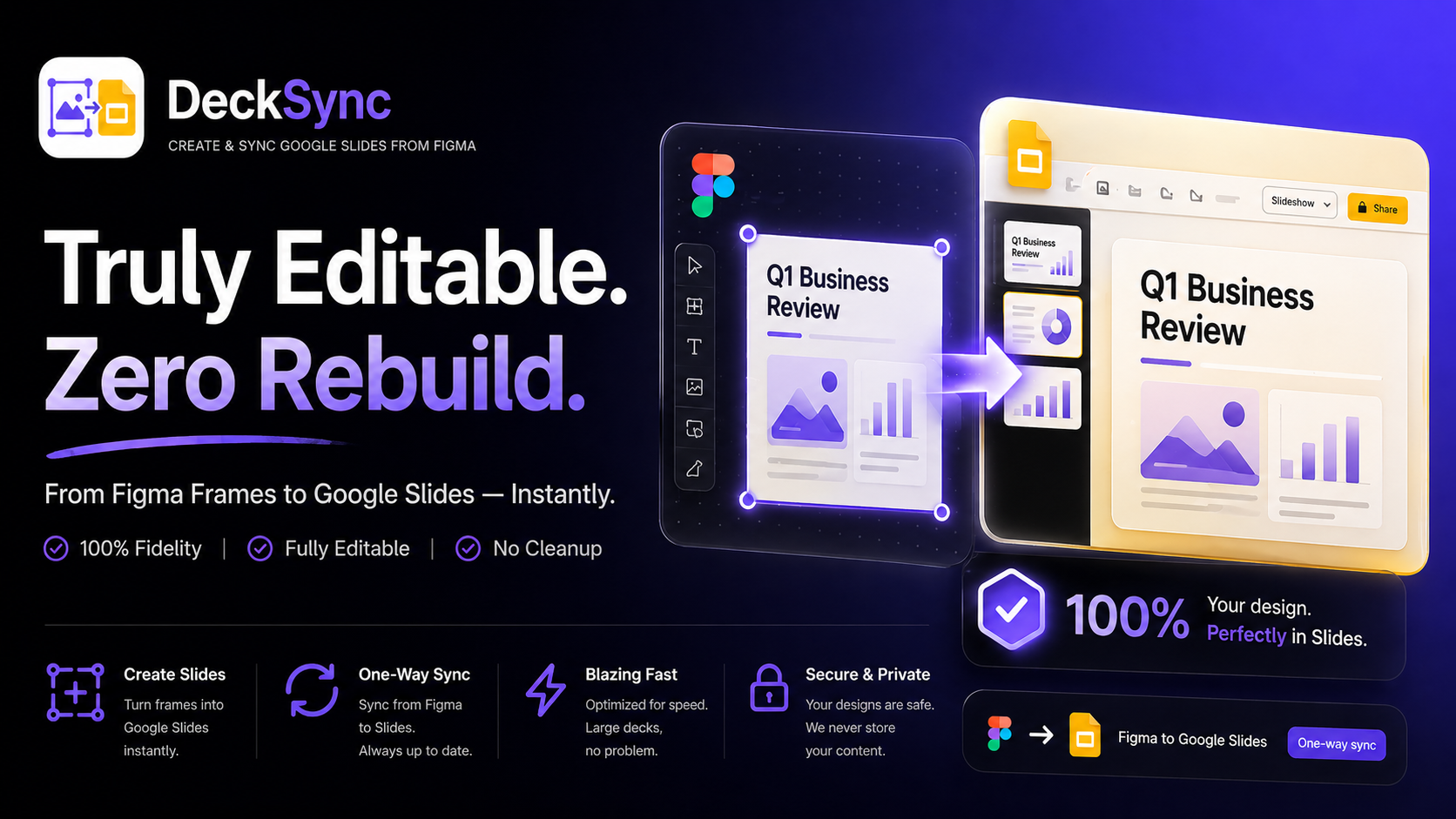
DeckSync turns selected Figma frames and local PPTX files into Google Slides decks, then lets you sync design updates back to a managed presentation without recreating every slide by hand.
DeckSync is built for teams who design in Figma but present, share, and collaborate in Google Slides.
Choose frames, Figma Slides, sections, components, or instances that should become presentation slides.
Use Google OAuth to authorize DeckSync for Google Slides import and managed deck sync.
DeckSync builds a PPTX package in the plugin, uploads it securely, and imports it into Google Slides.
Open recent decks, copy links, or sync updates to an existing managed Google Slides presentation.
DeckSync is a Google Slides automation layer for designers, consultants, founders, and marketing teams that need presentation-ready output without losing the Figma workflow.
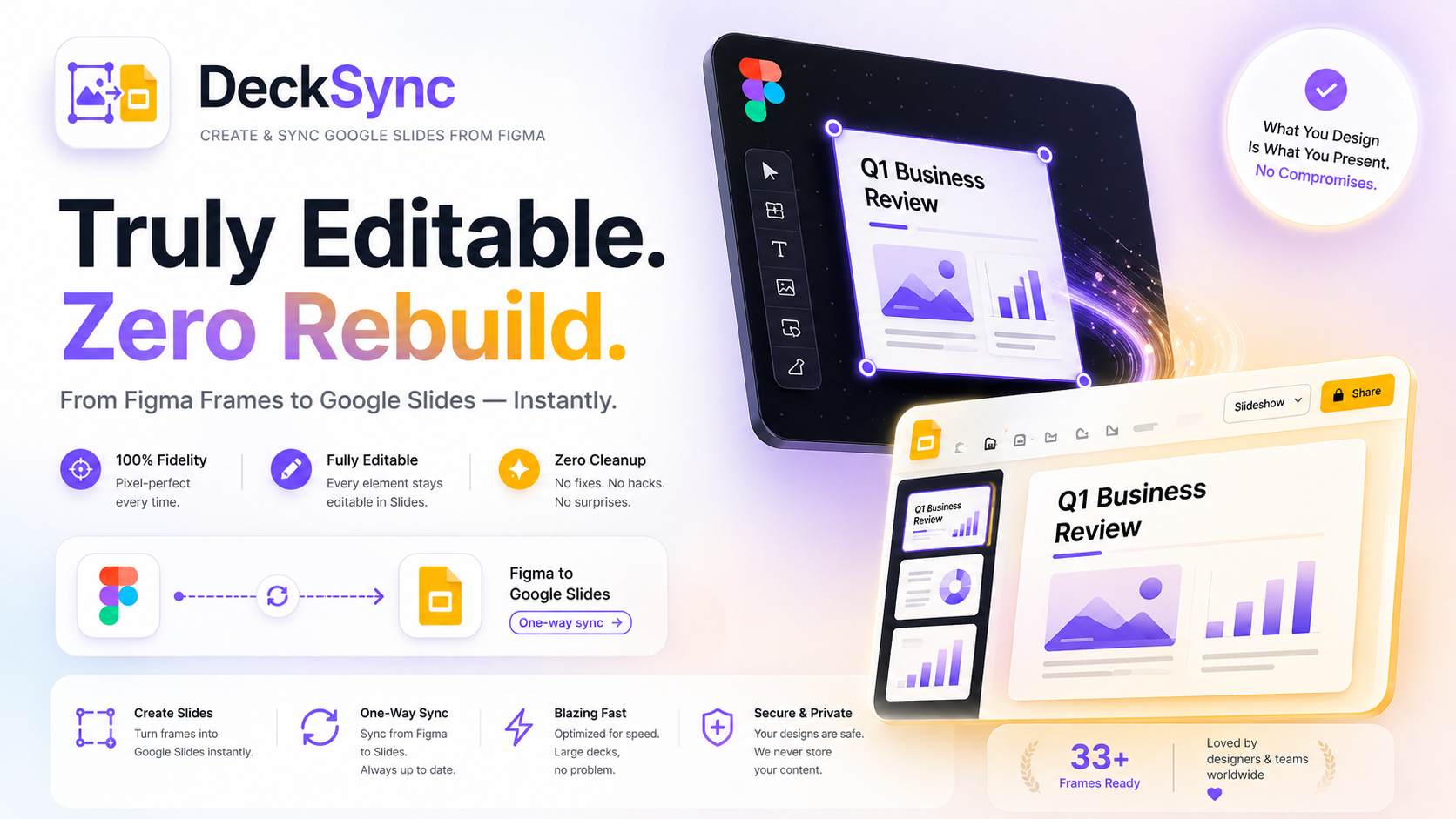
The best DeckSync users are teams that care about design quality but need the business world to receive a Google Slides deck.
Hand off design systems, campaign concepts, and polished presentation frames as Google Slides without flattening the source workflow.
Create client-ready decks in Figma, then sync the latest narrative, charts, and visual polish into Google Slides.
Move pitch decks, investor updates, and product reviews from Figma into Google Slides for fast review and sharing.
Real product features from the DeckSync plugin code, not placeholder marketing claims.
Create a deck once, then sync updates to the same managed presentation from Figma.
Choose a local `.pptx` file up to 50 MB and import it into Google Slides through DeckSync.
Open, copy, inspect, remove, and sync recent Google Slides decks from inside the plugin UI.
Try DeckSync with limited free exports, then unlock Google auth, deck creation, and sync with DeckSync Pro.
DeckSync uses Google OAuth and app session tokens. It does not collect or store passwords.
The plugin uses Figma current user data for trial limits, subscription activation, and account status.
DeckSync uses Google OAuth for Slides access and Paddle for checkout. OAuth refresh tokens are encrypted in the worker KV store, app session tokens are stored in Figma client storage, and network calls are limited to manifest-approved HTTPS domains.
Read privacy policy